FabFilter Pro-Q 4: The Modern Equalizer Dominating Today’s Studios
🎛️ Try FabFilter Pro-Q 4 Today!
Experience the professional equalizer used in top studios worldwide. Get your license and elevate your mixing game.
📊 Technical Specifications
| Feature | Details |
|---|---|
| Developer | FabFilter |
| Price | $179 (full license) |
| Type | Parametric EQ + Dynamic EQ + Spectral Dynamics |
| Bands | Up to 24 bands |
| Formats | VST, VST3, AU, AAX (Mac & Windows) |
| M/S Mode | Mid, Side, Left, Right per band |
| Phase | Zero Latency, Natural Phase, Linear Phase |
| Analyzer | High-resolution real-time spectrum |
| CPU | Optimized (M1/M2 native) |
Some plugins become standards not because they are trendy, but because they redefine how engineers work. FabFilter Pro-Q is one of those rare tools that shaped an entire generation of producers, mixers, and mastering engineers. With Pro-Q 4, FabFilter doesn’t simply refine an already excellent formula – it pushes the concept of a digital EQ further, offering more intelligence, more precision, more flexibility, and a workflow perfectly aligned with modern production needs.
Beyond the “parametric EQ” label, Pro-Q 4 is a complete sound-shaping environment: surgical equalization, dynamic EQ, intelligent spectral processing, advanced Mid/Side, phase management, a detailed spectrum analyzer, and a workflow designed for professionals handling dozens of tracks every day. This article explores Pro-Q 4 the way a real audio magazine would: with depth, clarity, practical examples, and a critical but fair perspective.
If you only need a simple “clean EQ,” cheaper options exist. But if you want a central tool capable of structuring your entire mixing approach, Pro-Q 4 deserves a deep look.
1. An Interface Designed as a Work Tool, Not a Gadget
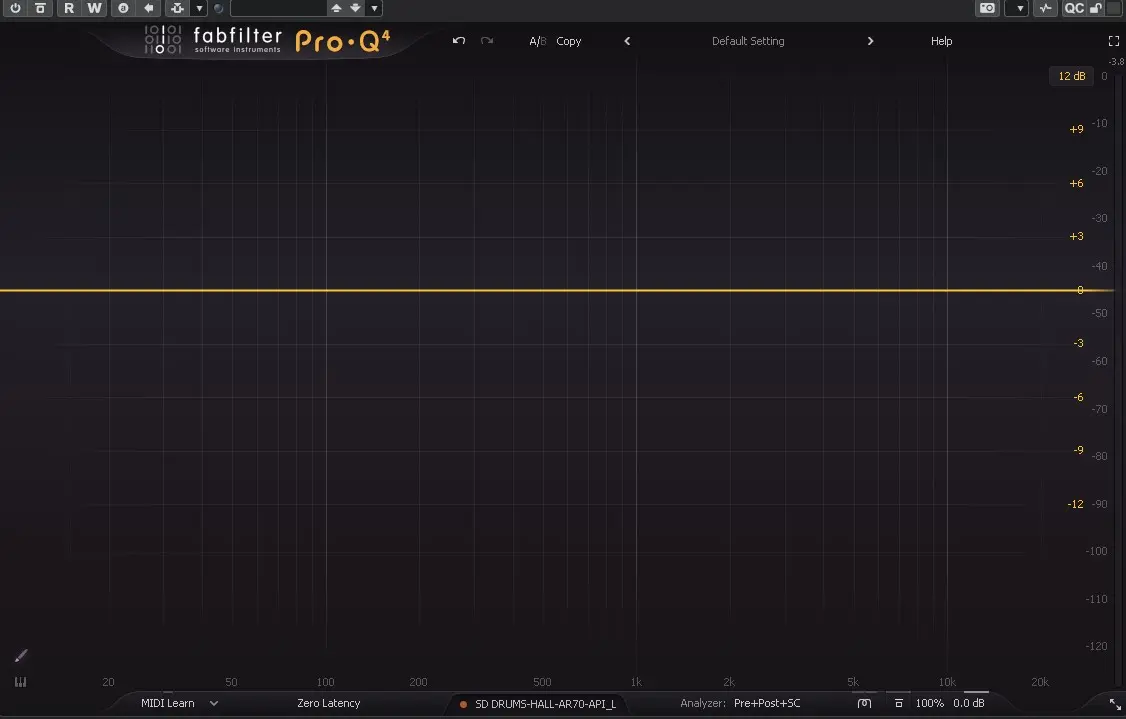
Opening Pro-Q 4 immediately gives the impression of a tool built for real-world engineering, not a flashy plugin meant to impress on screenshots. The main window features a large frequency graph, a precise spectrum analyzer, and contextual controls that appear exactly when needed.
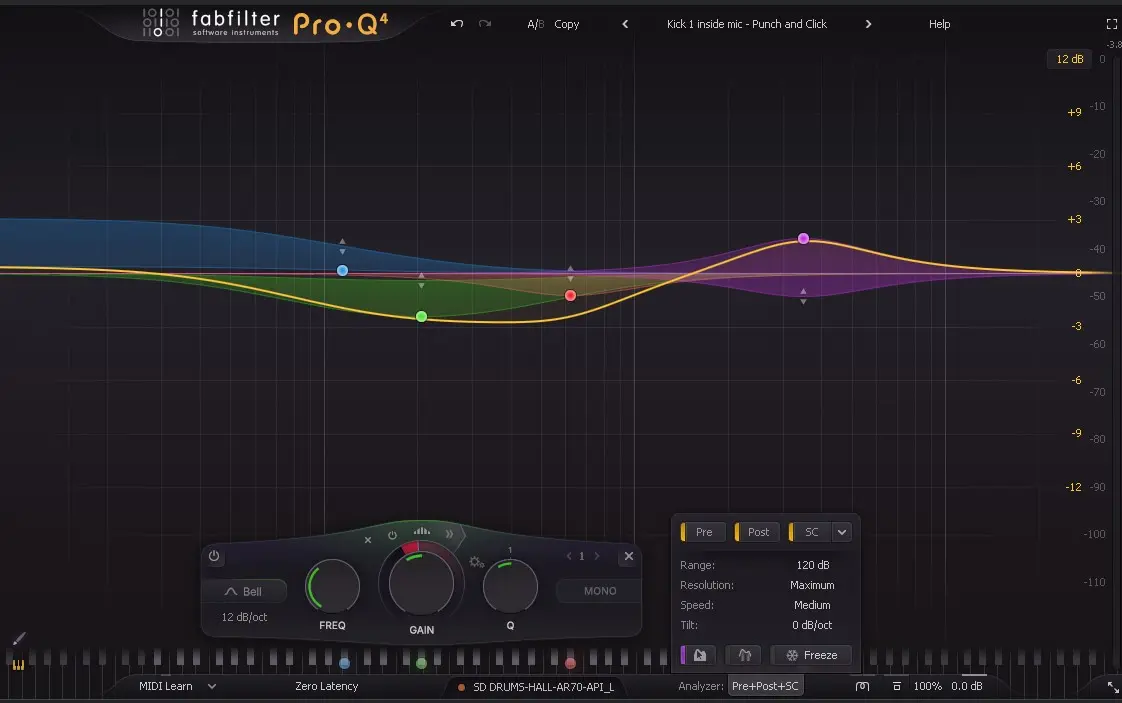
The real-time analyzer is exceptionally fluid and accurate. It quickly becomes a reflex: you glance at it to spot muddy buildups, harsh resonances, or overly bright areas. The Pre, Post, and Sidechain modes allow you to compare the signal before and after processing, or visualize frequency conflicts between two tracks.
This visual feedback is not a gimmick – it complements your ears. You don’t “mix with your eyes,” but the analyzer helps you understand why something feels wrong and where to fix it. For both beginners and seasoned engineers, it’s a continuous learning tool.
1.1 Band Creation and General Ergonomics
A single click on the graph creates a new EQ band. Drag horizontally to set the frequency, vertically for gain, and use the mouse wheel or shortcuts to adjust Q. Everything is designed so your hand stays on the mouse or tablet, and the sound reacts instantly.
Each band can be turned into a high-pass, low-pass, bell, shelf, notch, and more. Up to 24 bands can be used – more than enough even for complex sound design or restoration tasks.
1.2 An Interface That Adapts to Your Workflow
Pro-Q 4 can be resized, displayed in compact or full mode, and adapted to any screen setup. The clarity of the curves, the color coding, and the overall layout make long sessions comfortable and efficient.
2. Dynamic EQ: Sculpting Sound Only When Needed
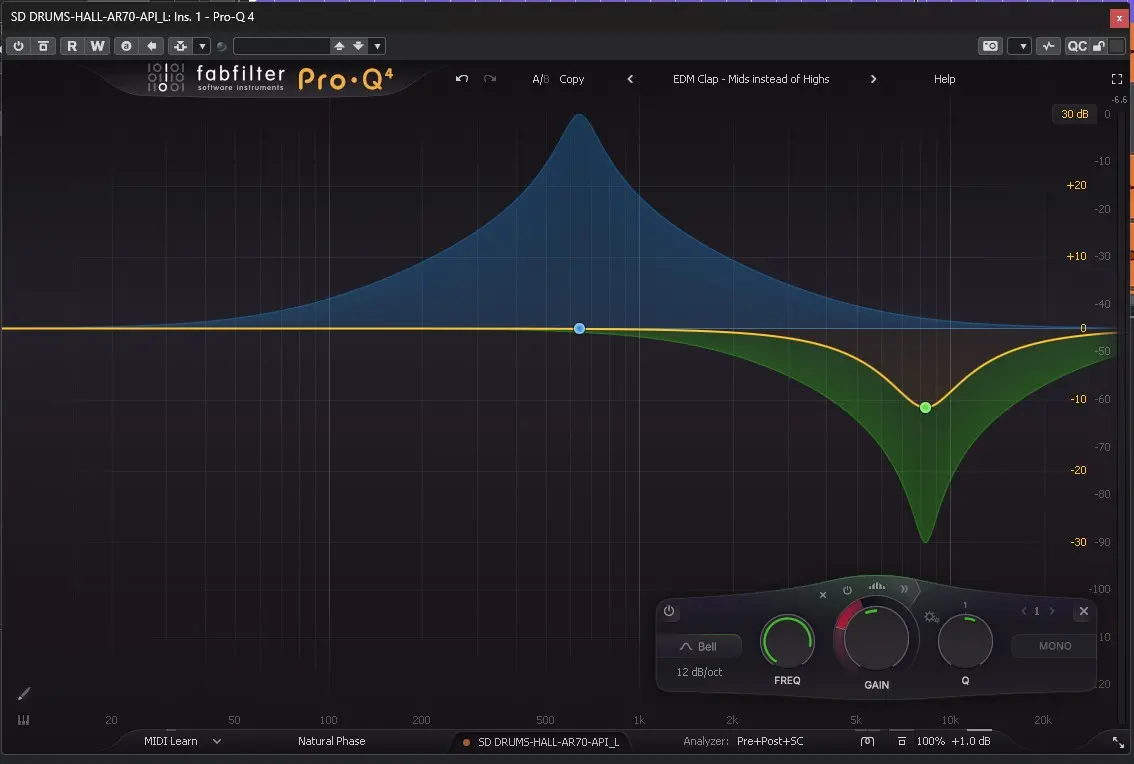
The evolution of modern EQs is the shift from static to dynamic equalization. A static EQ applies the same correction at all times, while a dynamic EQ reacts only when the signal crosses a threshold. It’s like a hyper-focused compressor acting on a specific frequency.
In Pro-Q 4, any band can become dynamic – compressive or expansive. This opens the door to extremely precise tonal control.
2.1 Real-World Dynamic EQ Examples
On vocals, typical issues include nasal resonances, proximity booms, inconsistent sibilance, and harsh upper mids. Instead of cutting these areas permanently and thinning the voice, dynamic bands only react when the problem appears.
On bass or 808s, a dynamic band around 80—120 Hz keeps the low end powerful but controlled. On drum buses, dynamic bands tame cymbal spikes or tom resonances without flattening the kit.
2.2 A Musical and Predictable Behavior
Some dynamic EQs sound compressed or artificial. Pro-Q 4 stands out with a very natural response. Attack, release, and knee adapt intelligently, giving smooth, musical results even under heavy processing.
3. Spectral Dynamics: A Built-In Soothe-Like Engine
Spectral Dynamics is one of Pro-Q 4’s major innovations. Instead of processing an entire band, it analyzes micro-variations inside that band and reduces only the problematic sub-areas. This is similar to plugins like Soothe2, but integrated directly into a full EQ.
It excels on:
- harsh vocals,
- bright cymbals,
- aggressive electric guitars,
- pianos or pads with unstable harmonics.
The result is a smoother, more pleasant sound without dulling the source.
4. Mid/Side: Sculpting the Stereo Image with Precision
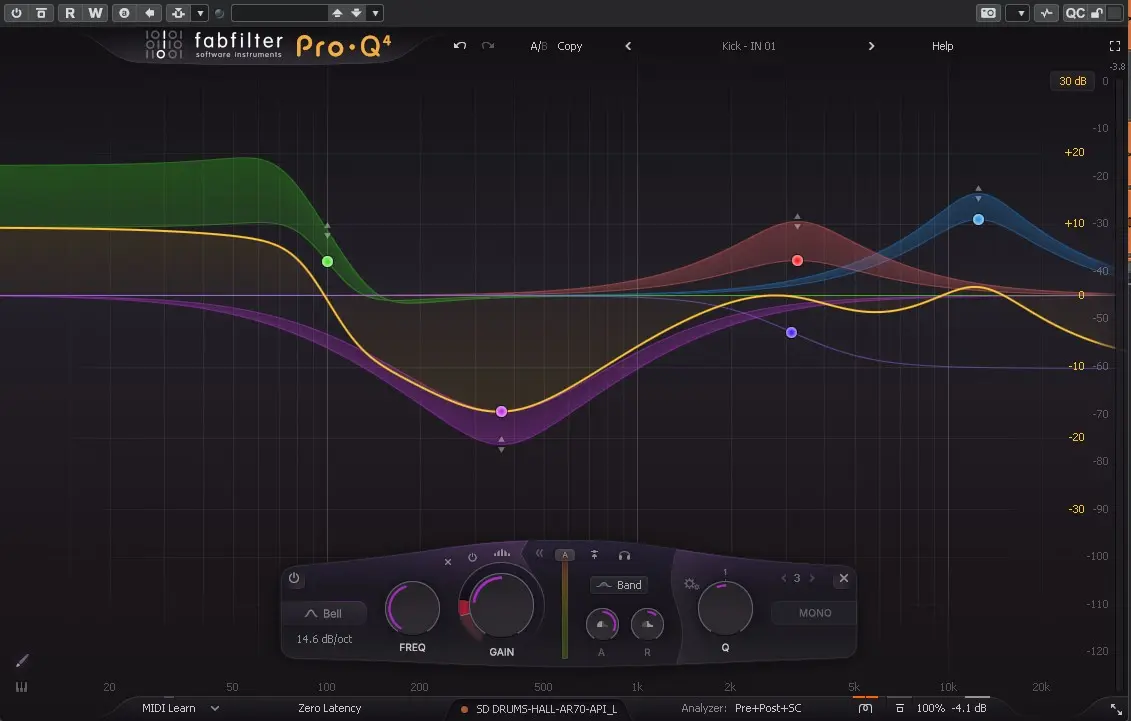
Mid/Side processing is essential in modern mastering. Pro-Q 4 lets you assign each band to Mid, Side, Left, Right, or Stereo. This allows extremely precise stereo shaping.
Typical mastering moves include:
- softening vocal harshness in the Mid,
- adding air on the Sides,
- cleaning muddy low-mids in the center,
- widening guitars or synths subtly.
These small adjustments accumulate into a polished, professional-sounding master.
5. Mixing Applications: Track-by-Track Workflows
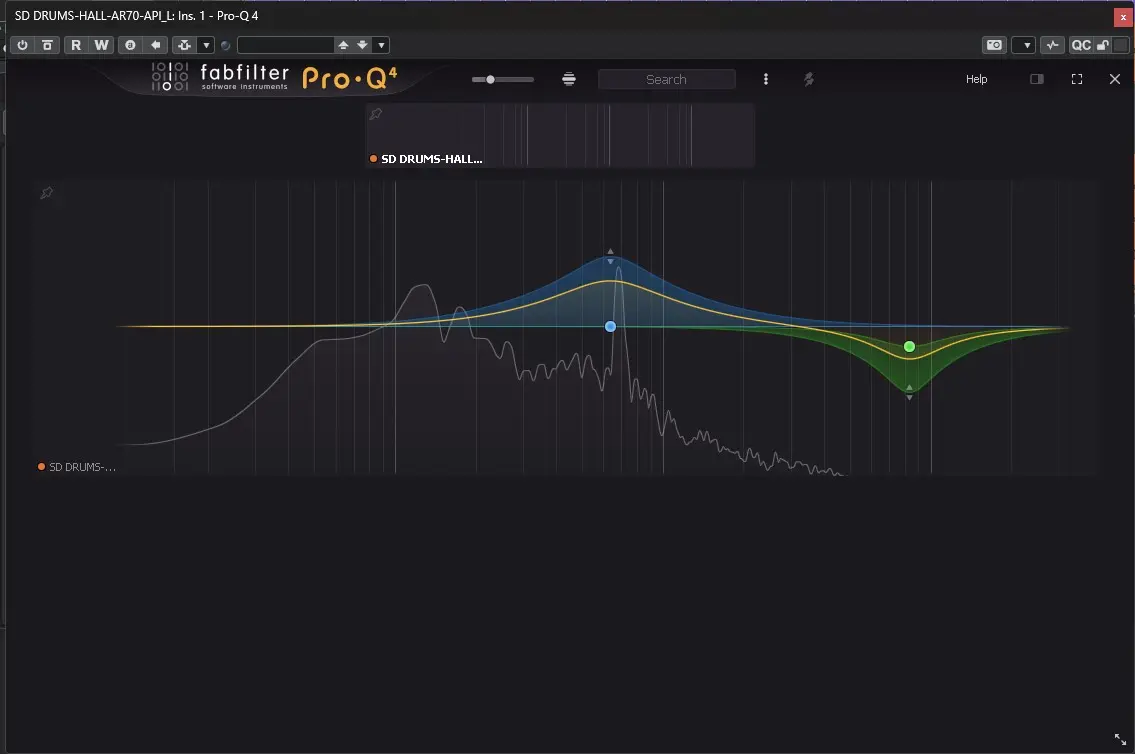
Let’s explore how Pro-Q 4 behaves on typical mix elements.
5.1 Lead Vocals
- High-pass at 70—90 Hz,
- dynamic cut around 300—600 Hz,
- gentle static dip at 2—4 kHz if needed,
- air boost at 10—14 kHz,
- optional Spectral Dynamics for irregular sibilance.
Pro-Q 4 cleans the voice without removing its character – a crucial balance.
5.2 Bass / 808
- dynamic control at 80—120 Hz,
- cleaning muddy low-mids,
- Side filtering to center the low end.
5.3 Electric Guitars
Dynamic and spectral processing tame harshness while preserving presence.
5.4 Drum Bus
- cleaning low-mid buildup,
- dynamic control of cymbals,
- subtle tonal shaping.
6. Mastering: Precision Over Color
In mastering, Pro-Q 4 shines thanks to:
- Linear Phase mode,
- Mid/Side flexibility,
- subtle dynamic bands,
- detailed analyzer for referencing.
Typical mastering moves involve 0.3—1 dB adjustments – small but impactful.
7. Technical Architecture: Phase Modes, DSP, Stability
Pro-Q 4 offers three phase modes:
- Zero Latency – ideal for tracking,
- Natural Phase – musical and balanced,
- Linear Phase – perfect for mastering.
Despite its power, CPU usage remains reasonable, even in large sessions.
8. Competition: Why Pro-Q 4 Stands Out
8.1 Versus Kirchhoff EQ
Kirchhoff is extremely advanced, but Pro-Q 4 wins in ergonomics, clarity, and workflow speed.
8.2 Versus Soothe2
Soothe2 is unmatched for automatic resonance control. Pro-Q 4 offers a more manual, precise, and versatile approach thanks to Spectral Dynamics.
8.3 Versus Analog EQs
Pro-Q 4 is transparent, not colored. Use it for structure and precision, then add analog color if needed.
9. Strengths, Limitations, and Ideal Users
Strengths
- Exceptional interface,
- world-class spectrum analyzer,
- musical dynamic EQ,
- Spectral Dynamics built-in,
- advanced Mid/Side,
- phase modes for all situations,
- stable and CPU-efficient.
Limitations
- No analog coloration,
- higher price for beginners,
- precision may encourage over-processing.
Ideal For
- motivated beginners,
- beatmakers and producers,
- mixing engineers,
- mastering engineers.
Conclusion: A Modern Studio Essential
FabFilter Pro-Q 4 is not just another EQ – it’s a central pillar of modern mixing and mastering workflows. It is educational, surgical, intelligent, and incredibly efficient. Whether you’re building your first serious home studio or working in a professional environment, Pro-Q 4 quickly becomes indispensable.
If you need color, use analog EQs. If you need precision, structure, and control, Pro-Q 4 is one of the best tools available today.